
Step-by-step guides for vendors and sales teams using itsmy.wedding — from listing your business to tracking payments.
Every guide here is written specifically for the Indian wedding industry — Kerala sadya caterers, Bangalore mandap decorators, Chennai photographers, Kochi venue managers. We don't rewrite generic SaaS documentation. A photographer needs to know how itsmy.wedding handles traditional-day packages; a caterer wants to see how menu plates map onto quotations. The guides below address those specifics.
Start with List your wedding business if you're new — it covers profile creation, photo uploads, pricing setup, and verification. Once you're live, the Lead Management and Calendar guides explain how enquiries turn into bookings, and how to avoid double-booking wedding dates across platforms. For GST invoices, payment tracking, and quotation templates tuned to Indian wedding billing cycles, see the Vendor CRM and Invoices guides.
Sales team members have a separate guide set covering lead routing, vendor onboarding workflows, and performance dashboards. Those guides are only visible once signed in with a sales role.
Sign up as a vendor, upload at least 6 portfolio photos, add your service categories (photographer, caterer, decorator, venue, makeup artist, etc.), set your starting prices, and verify your phone number. The full step-by-step is in the List your wedding business guide. Most vendors go live in under 30 minutes.
The Starter plan is free forever — you get a profile, lead enquiries, and basic CRM. Pro (₹799/mo) adds automated follow-ups, unlimited quotations, and priority listing. Elite (₹1,999/mo) adds calendar sync, team seats, and advanced analytics. Full breakdown at business/pricing.
The Booking Calendar shows platform and external bookings in one colour-coded view. Confirmed dates turn green, pending amber, and external blue. You can also block dates manually for personal events. See the Wedding Vendor Calendar guide for the full workflow.
Yes — the invoice generator creates GST-compliant invoices with SAC codes, HSN mapping for taxable supplies, and separate CGST/SGST/IGST line items. Templates are tuned for photography, catering, decor, and venue line items. The Wedding Vendor Invoices guide walks through your first invoice in under 5 minutes.
Wedding enquiries have specific fields generic CRMs miss — event date, guest count, venue pin-code, ceremony type (Hindu, Muslim, Christian, Sikh), dietary requirements, and whether a couple wants a decorator shortlist. The Vendor CRM surfaces these as first-class fields so you can filter by date availability or ceremony type in one click. See the Wedding Vendor CRM guide.
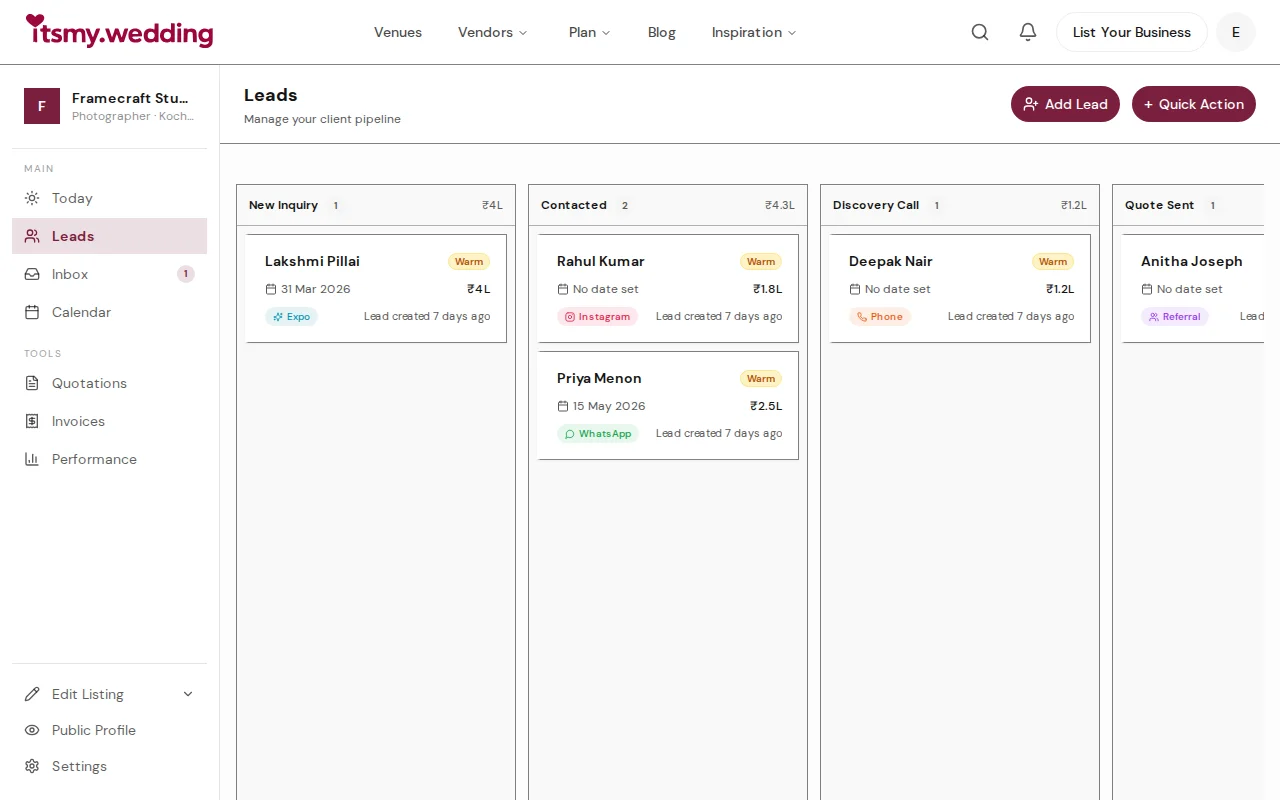
Manage all your wedding inquiries in one pipeline. Track leads from every channel with automated follow-ups on itsmy.wedding.

Manage booking requests, send professional quotations, and confirm wedding events from your vendor dashboard on itsmy.wedding.
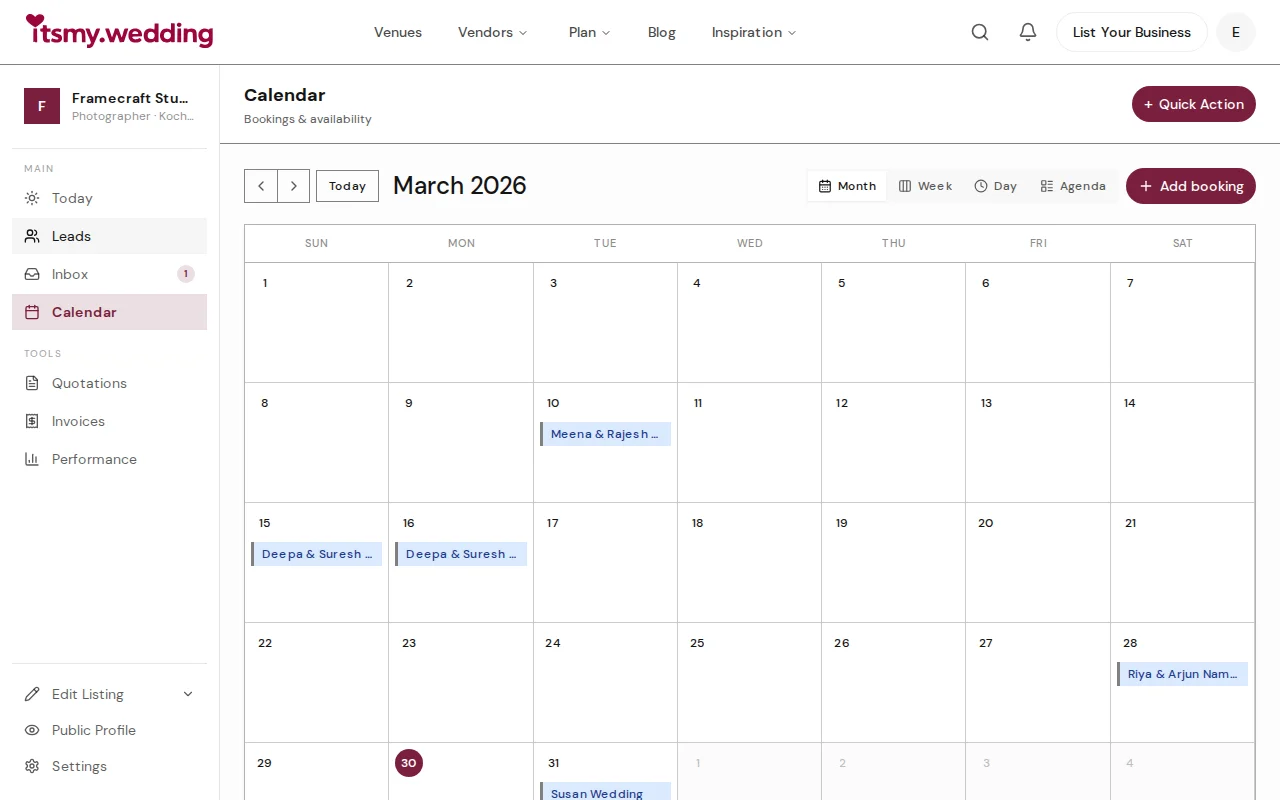
Keep all your wedding bookings in one calendar. Block dates, add external bookings, and switch between month, week, and agenda views on itsmy.wedding.

Create detailed, itemized quotations for wedding clients with line items, optional add-ons, discounts, and terms. Share via link or PDF, track acceptance, and auto-generate invoices.

Create your free vendor profile on Kerala's largest wedding marketplace. Step-by-step guide to listing your business and getting discovered by engaged couples.

Create professional proforma and tax invoices for wedding clients. Track advance payments, send GST-compliant invoices, and manage your cash flow — all from your vendor dashboard on itsmy.wedding.

Track deposits, milestone payments, and due dates for every wedding booking. Stay on top of collections with payment tracking on itsmy.wedding.

Set up automated nudges, follow-up reminders, and stage changes so no wedding lead falls through the cracks. Configure automation on itsmy.wedding.