
Create a Wedding E-Invite in 5 Minutes: Step-by-Step
Create a free digital wedding invitation in 5 minutes: pick a template, add event details, upload a photo, and share via WhatsApp with built-in RSVP tracking.

Senior Wedding Planner
Priya Nair is a senior wedding planner based in Kochi with over eight years of experience coordinating Hindu, Christian, and destination weddings across Kerala.
On this page
You can create a professional wedding e-invite in under 5 minutes — choose a template, enter your couple and family details, add event information, upload a photo, and share via WhatsApp. Free platforms like itsmy.wedding handle the design, RSVP tracking, and guest management automatically.
Quick Answer
Quick answer: Creating a wedding e-invite takes 5 steps and under 5 minutes: (1) choose a template, (2) add couple and family names, (3) enter event details for each ceremony, (4) upload a couple photo, (5) share via WhatsApp link or QR code. Platforms like itsmy.wedding are completely free and include RSVP tracking — no design skills needed.
Digital invitations have moved from novelty to norm. According to the WeddingWire India Newly Wed Survey 2024-2025, 58.6% of Indian couples now use WhatsApp for all wedding-related communication, including invitation sharing. A separate WiFi Talents industry report found that 54% of couples prefer digital wedding invitations over traditional paper. The shift makes sense: e-invites cost nothing to distribute, reach guests instantly, and include built-in RSVP tracking that paper cards simply cannot match.
This guide walks you through the entire process — from gathering your details to sharing the finished invitation. No design skills required, no software to install.
What You'll Need Before You Start
Gather these four things before you open the e-invite builder. Having them ready is what makes the five-minute timeline realistic.
1. Guest count estimate. You do not need a final list — a rough number (200, 500, 800) helps you decide whether to send one universal invitation or separate invitations for different events (ceremony, reception, sangeet). For managing your full list later, our guest list tool tracks RSVPs and meal preferences.
2. Event details. For each event — ceremony, reception, sadya or dinner — note the date, time, and venue name with full address. If you have a Google Maps link for the venue, keep that handy too.
3. A couple photo. A single high-quality photo of the couple serves as the invitation's cover image. Portrait orientation works best on mobile screens. If you do not have a professional photo yet, a well-lit selfie works — you can always update the image later.
4. Family names in order. Indian wedding invitations follow a specific name hierarchy that varies by community. The wedding invitation wording guide covers the conventions for Hindu, Christian, and Muslim formats. At minimum, have both sets of parents' names ready.
Tip
Step 1: Choose Your Template
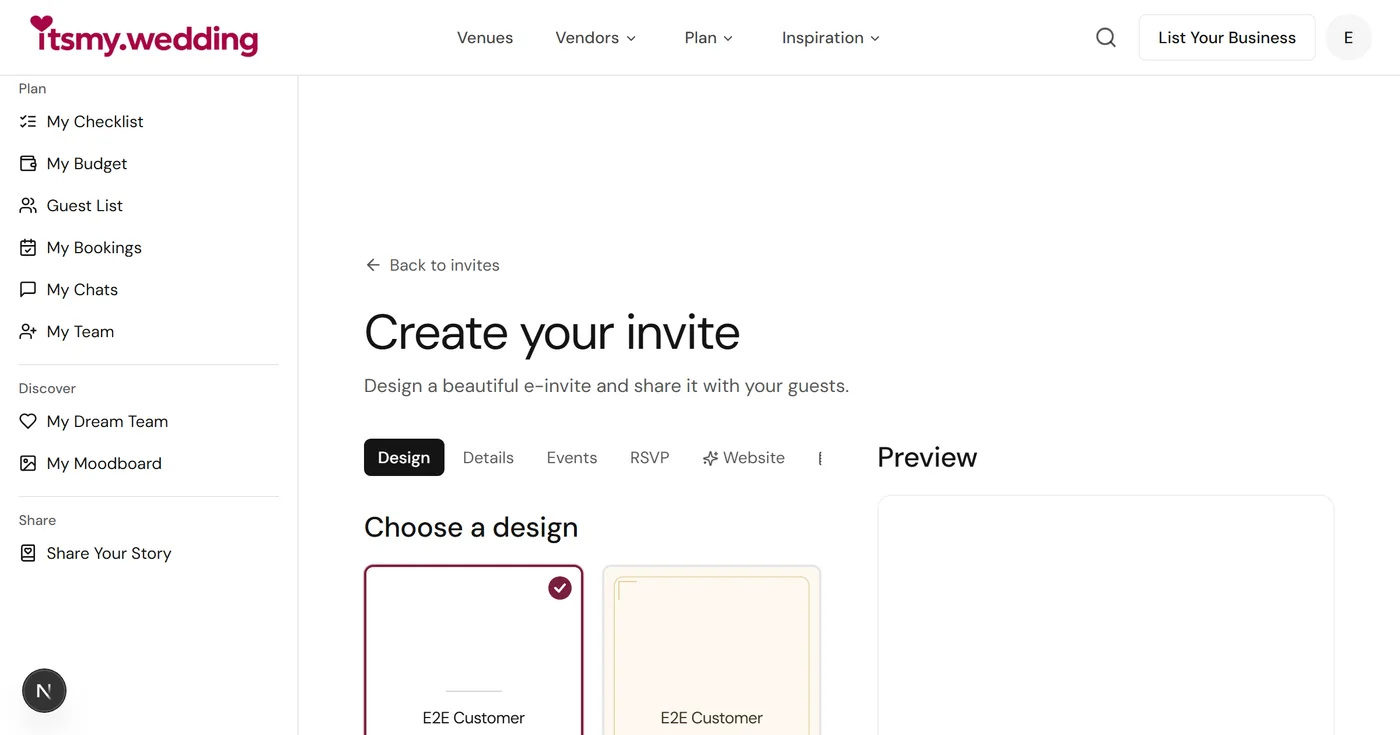
Open the e-invite builder on itsmy.wedding and browse the template gallery. Templates are organised by style — traditional, modern, minimalist, floral, and royal — so you can find one that matches your wedding's tone.
Picking the Right Style
Traditional templates feature gold borders, mandala patterns, and deep jewel-tone backgrounds. They work well for families who want a classic feel that mirrors the printed invitation aesthetic.
Modern templates use clean layouts, sans-serif fonts, and muted colour palettes. They appeal to couples hosting urban, contemporary celebrations.
Minimalist templates strip everything back to typography and whitespace. These are ideal for intimate weddings and for invitations going to a younger, urban guest list.
Note
Step 2: Add Couple and Family Details
The builder walks you through a simple form. Enter the couple's names first, then each family's details.
Name Hierarchy Matters
Indian wedding invitations carry cultural weight in how names are ordered. For Hindu weddings, the groom's family is traditionally listed first. For Christian weddings, the bride's family comes first. Muslim invitations follow a patrilineal format — father's name, grandfather's name, family name. Our detailed wording guide covers every community's conventions.
Enter the names exactly as they should appear on the invitation. If your invitation is bilingual, enter both language versions in the respective fields. The builder renders them side by side or stacked, depending on the template.
Tip
Step 3: Set Up Your Events
Indian weddings are multi-event affairs, and your e-invite should reflect that. Add each event — ceremony, reception, sadya, sangeet, mehendi — as a separate entry with its own details.
For Each Event, Enter:
- Event name (e.g., "Muhurtham," "Holy Matrimony," "Nikah," "Reception")
- Date and time (include the day of the week — guests appreciate it)
- Venue name and full address
- Google Maps link (paste the URL and the invitation will display an interactive map pin)
The Google Maps link is not optional. According to RSVPify's wedding planning data, unclear venue information is a leading cause of guest confusion. Kerala has dozens of venues with identical names — "Kalyana Mandapam" appears in every district. A map link eliminates ambiguity.
Note
Step 4: Upload Your Cover Photo and Customise
Upload your couple photo as the cover image. The builder automatically crops and optimises it for both mobile and desktop display.
Customising the Design
Colour scheme: Adjust the primary and accent colours to match your wedding palette. If your ceremony decor uses ivory and gold, carry those tones into the invitation for visual consistency.
Personal message: Add a brief message below the event details — two or three lines that set the tone. Keep it warm and genuine. "We would be honoured to have you celebrate with us" works better than anything elaborate.
Religious invocation: Add the appropriate opening — a Sanskrit shloka, a biblical verse, or "Bismillahir Rahmanir Raheem" — depending on your tradition. The builder includes pre-formatted options for each.
Tip
Step 5: Preview, Publish, and Share
Hit the preview button to see your invitation exactly as guests will experience it. Check every detail — names, dates, times, venue addresses, map links, and the RSVP button.
Publishing and Sharing
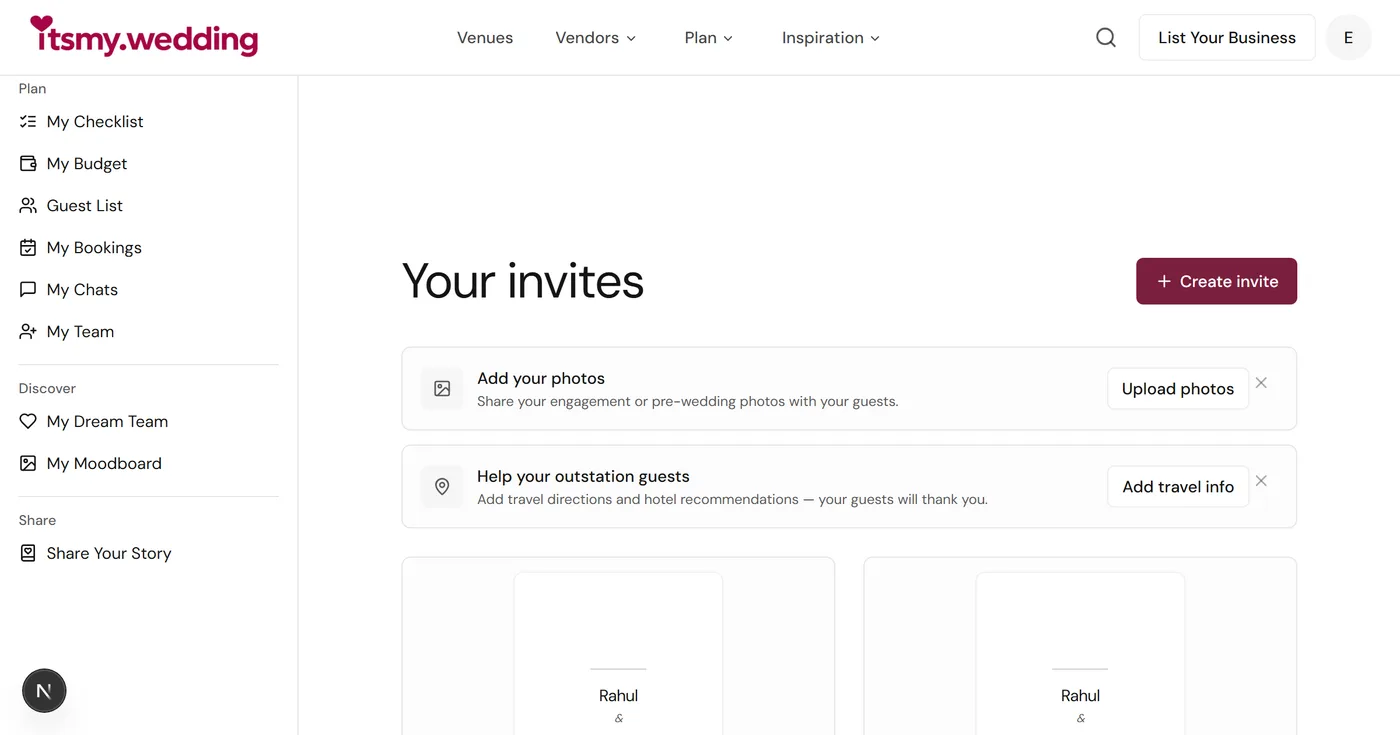
Once you are satisfied, publish the invitation. You will receive a unique shareable link (e.g., couple-name.itsmy.wedding/invite) that you can distribute through any channel.
WhatsApp sharing is the primary distribution method for Indian wedding invitations. The WeddingWire India survey confirms that 57.4% of couples use WhatsApp even for engagement announcements. Tap the WhatsApp share button to send your invitation directly to individual contacts or broadcast lists.
QR code generation creates a scannable code you can print on save-the-dates or place at the engagement venue. Guests scan with their phone camera and the invitation opens instantly.
Email sharing works well for office colleagues and formal contacts outside your WhatsApp circles.
Note
Design your wedding e-invite
A beautiful digital invitation you can share on WhatsApp in minutes.
Tracking RSVPs and Managing Responses
Once your invitation is live, the invite dashboard becomes your command centre. Every time a guest opens the invitation and submits an RSVP, the response appears in your dashboard in real time.
What You Can Track
- Confirmed attendees with the number of guests each person is bringing
- Declined responses so you can adjust catering numbers
- Pending invitations where the guest has viewed but not responded
- Dietary preferences if you have enabled the meal preference field
According to RSVPify's analysis of over 60,000 weddings, 83% of invited guests who respond indicate they will attend, while 17% decline. The advantage of digital RSVPs is speed — 57.6% of guests respond within five weeks of receiving the invitation, compared to the often months-long chase with paper reply cards.
For a complete guest management workflow, connect your RSVP data to the guest list manager, which handles seating arrangements, meal counts, and follow-up reminders for guests who have not yet responded.
Collect RSVPs on WhatsApp
Guests reply in a tap, and your counts update per event automatically.
Tips for a Perfect E-Invite
Use Bilingual Text
A WeddingWire India report notes that families across India increasingly expect both regional language and English text on invitations. In Kerala, Malayalam plus English is the standard. The regional language carries emotional weight for elder relatives; English ensures clarity for younger guests and NRI family members. Include both.
Optimise for Mobile
India is a mobile-first country, with 596.6 million monthly active WhatsApp users receiving and viewing content on their phones. Design with mobile in mind: use legible font sizes, keep text blocks short, and ensure the RSVP button is large enough to tap without zooming.
Time Your Send Strategically
Send your e-invite 6-8 weeks before the wedding — early enough for guests to plan travel, but not so early that they forget. For destination weddings or weddings requiring guests to book flights, extend this to 10-12 weeks. Add a reminder to your wedding checklist so the send date does not slip past you.
Go Hybrid When Needed
Not every guest needs the same format. According to the WiFi Talents wedding industry report, while 54% of couples prefer digital invitations, many families still value printed cards for close relatives and elders. Create your e-invite first (it takes five minutes), then order 50-100 printed cards for the guests who expect them. The digital version handles the bulk of your 300-800 person guest list efficiently.
Include a Personal Touch
Before sharing the link on WhatsApp, add a personal message: "Dear [Name], we would love to have you celebrate with us." This one line transforms a broadcast into a personal invitation and makes a meaningful difference in how it is received.
For a broader view of how e-invites fit into your planning timeline, our Kerala wedding checklist maps every task from engagement to reception day.
Looking for Wedding Planners?
Tell us what you need and get quotes from verified wedding planners
Common Questions About Create a Wedding E-Invite in 5 Minutes
Can I create a wedding e-invite for free?
Yes. Platforms like itsmy.wedding offer free e-invite creation with professional templates, RSVP tracking, and WhatsApp sharing. No design skills or software needed — the entire process takes under five minutes. Premium options exist for custom animations or video invitations, but all essential features are free.
How do I share my wedding e-invite on WhatsApp?
After creating your e-invite, you receive a unique shareable link. Tap the WhatsApp share button to send it directly to contacts or broadcast lists. You can also generate a QR code that guests scan to view the invitation instantly. Use broadcast lists rather than groups to maintain the personal feel.
Can guests RSVP through a digital wedding invitation?
Yes. Modern e-invite platforms include built-in RSVP forms on the invitation. Guests tap a button to confirm attendance, select the number of guests, and add dietary preferences. Track all responses from your planning dashboard in real time.
What if some of my guests are not tech-savvy?
Use a hybrid approach. Create your digital invitation first — it handles the bulk of your guest list and takes five minutes. Then order printed cards for 50-100 close relatives and elders who prefer traditional invitations. The digital version covers the majority of guests; printed cards honour cultural expectations for those who value them. Our digital vs paper invitations guide covers every consideration.
Further Reading
- Kerala Wedding E-Invite Guide — Comprehensive guide to digital invitations for Kerala weddings
- Digital vs Paper Invitations — Full format comparison with cost analysis
- Wedding Invitation Wording Templates — Hindu, Christian, and Muslim wording guides
- Kerala Wedding Checklist — Complete planning timeline with task tracking
Start creating your wedding e-invite now on itsmy.wedding — five minutes from template to WhatsApp share.
Looking for Wedding Planners in Kochi?
Tell us what you need and get quotes from verified wedding planners
Topics
create wedding e-invitemake digital wedding invitationwedding e-invite tutorialWhatsApp wedding invitationfree wedding invitation makerExplore more
Frequently Asked Questions
1Can I create a wedding e-invite for free?
2How do I share my wedding e-invite on WhatsApp?
3Can guests RSVP through a digital wedding invitation?
4What if some of my guests are not tech-savvy?
Continue reading
Related Articles
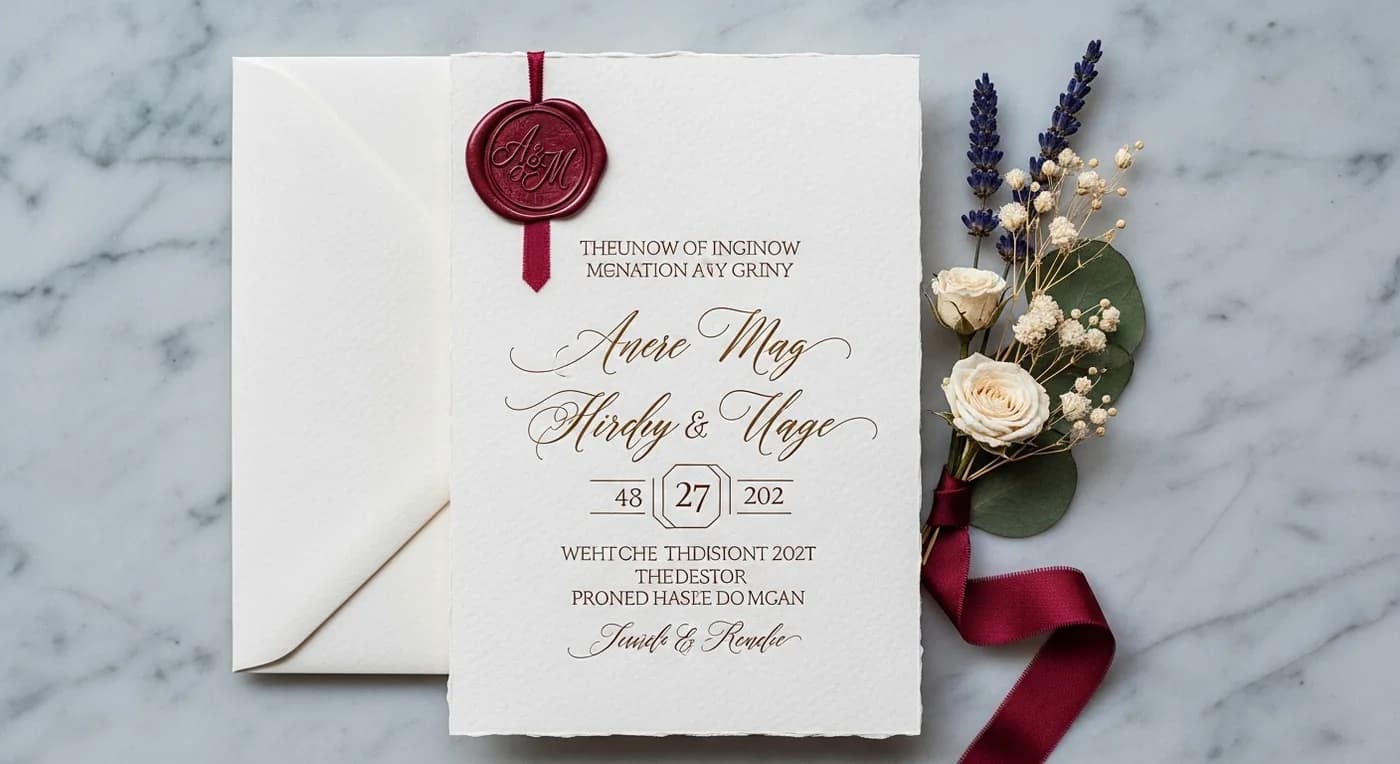
Kerala Wedding E-Invite Guide: Templates, Wording & Tools for 2026
Digital vs Paper Wedding Invitations in Kerala: The 2026 Guide
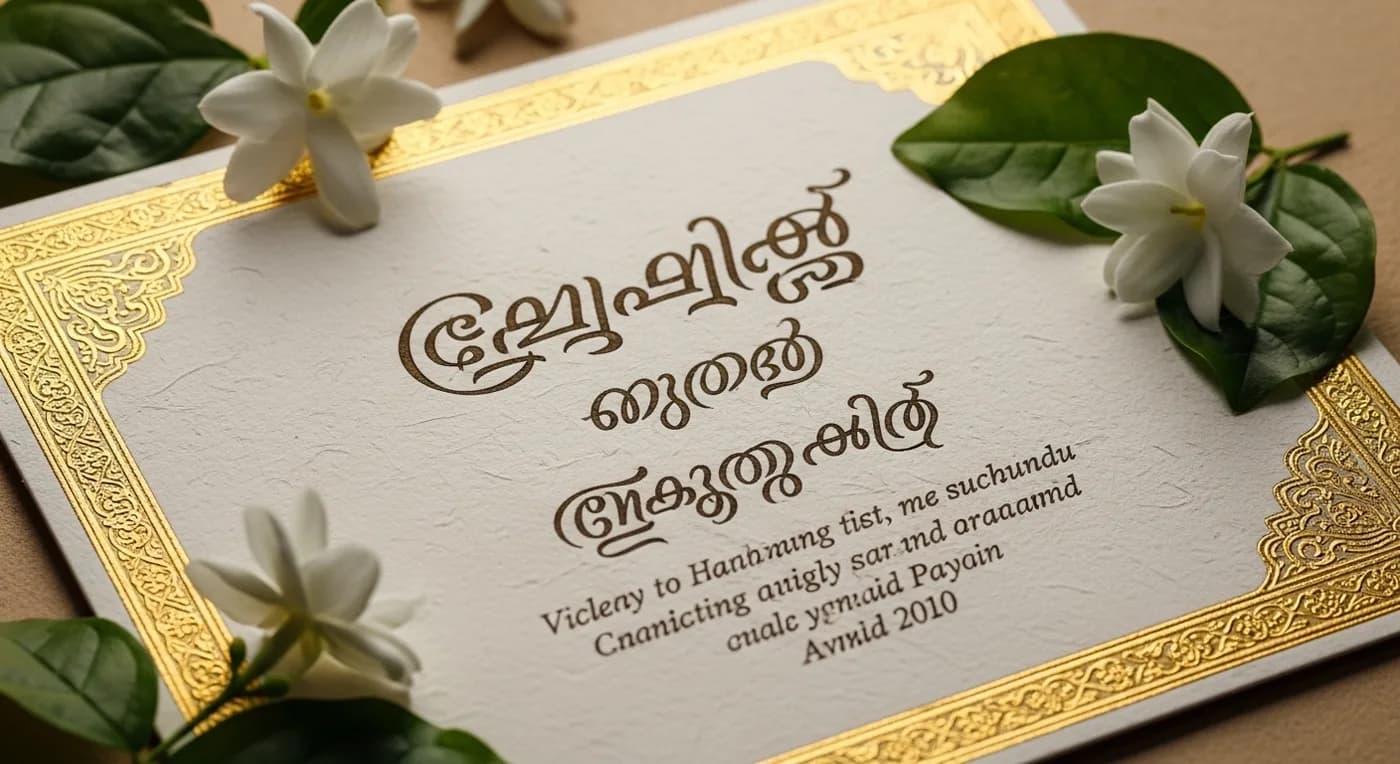
Wedding Invitation Wording Guide: Kerala Hindu, Christian & Muslim Templates
Indian Wedding Checklist: The 12-Month Planning Timeline
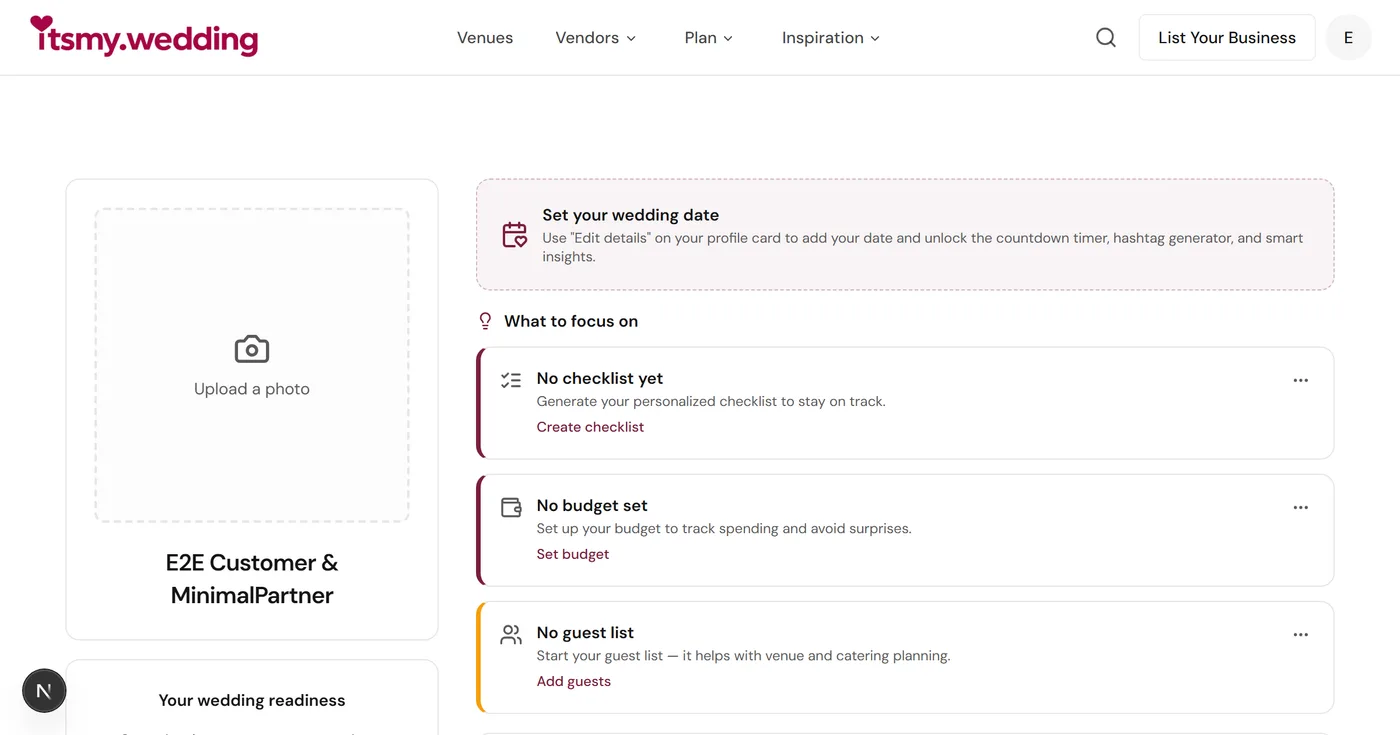
Best Free Wedding Planning Tools in 2026: The Complete Guide

Best Season for South India Destination Weddings: Month-by-Month Western Ghats Guide
Still planning?
Get quotes from India's best vendors
Tell us what you're planning and we'll match you with verified photographers, venues, decorators, and more.
Get free quotes