
Itemised pricing, your branding, optional GST — sent as a clean link in two minutes. Know the moment they open it.

01
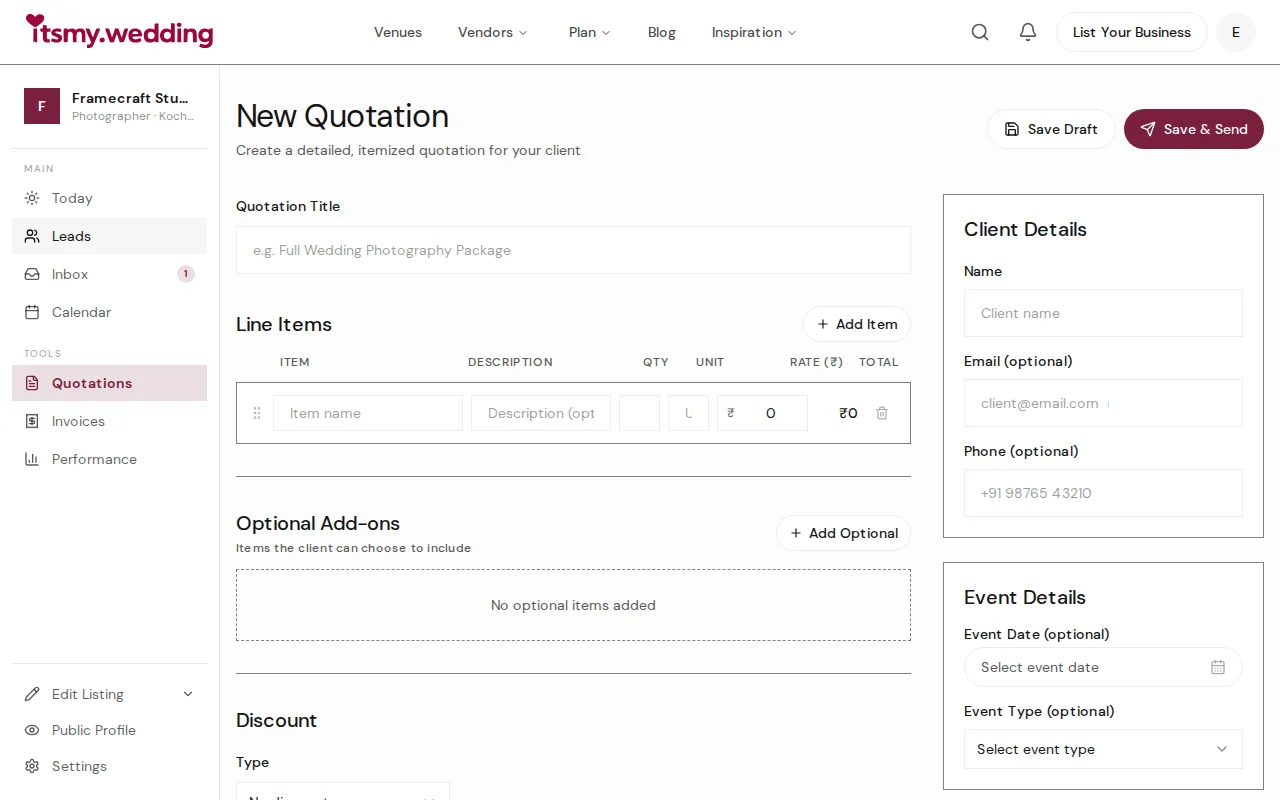
Add line items, set quantities and rates — totals calculate automatically.
02
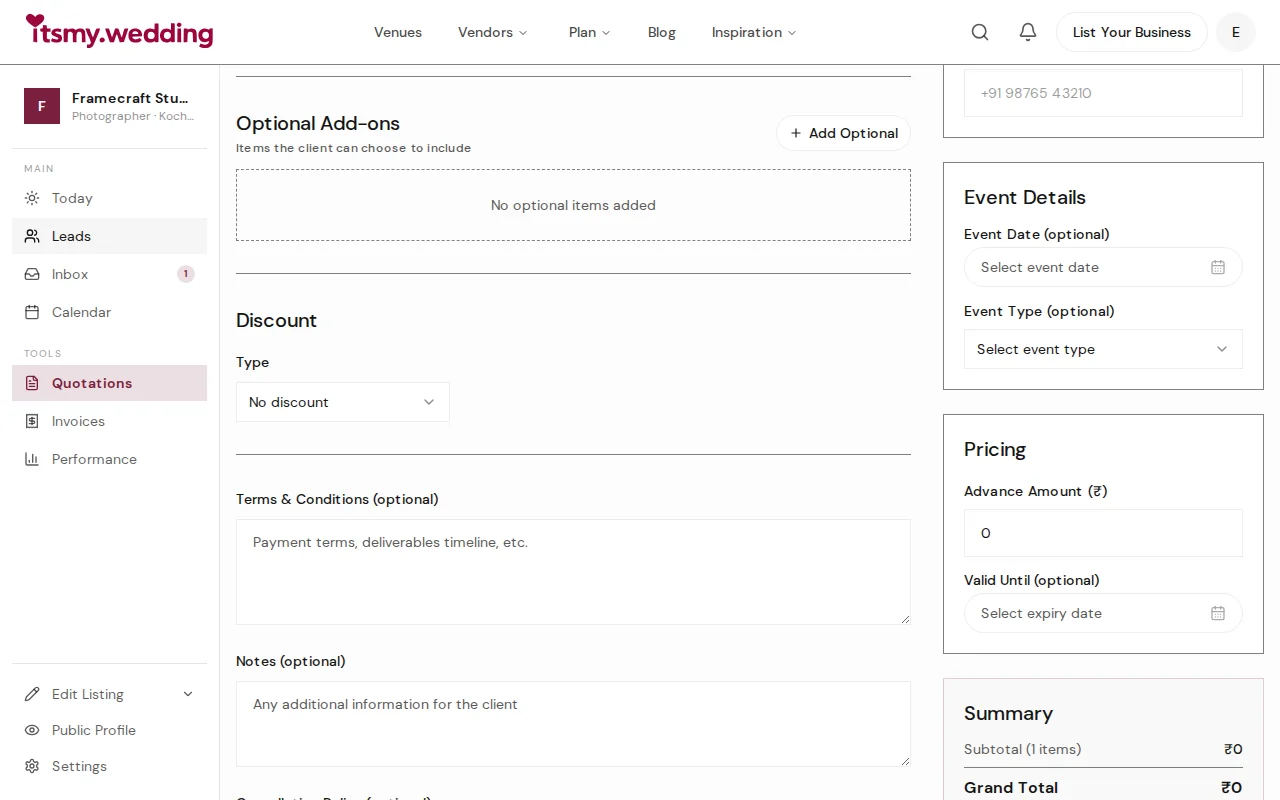
Itemized pricing that looks professional — not a WhatsApp message.
03
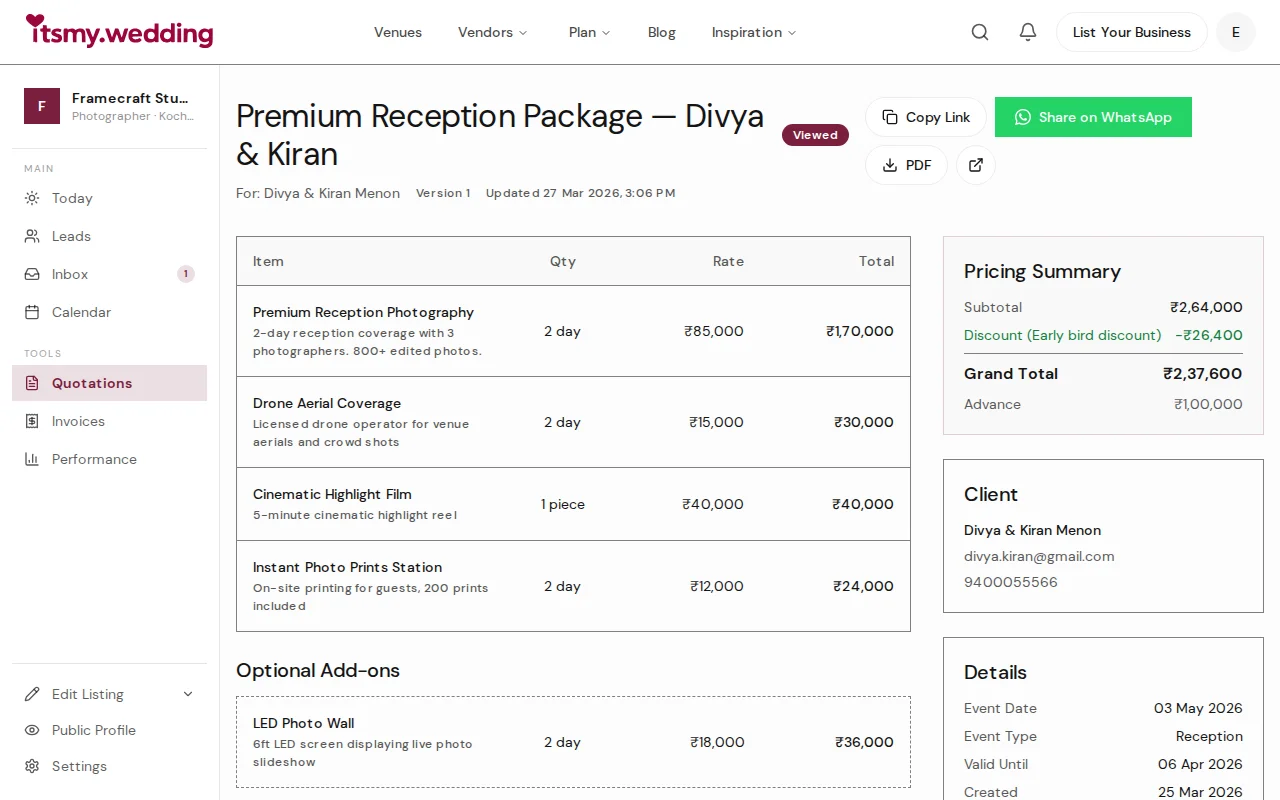
This is what your client sees — branded, professional, and downloadable as PDF.
04
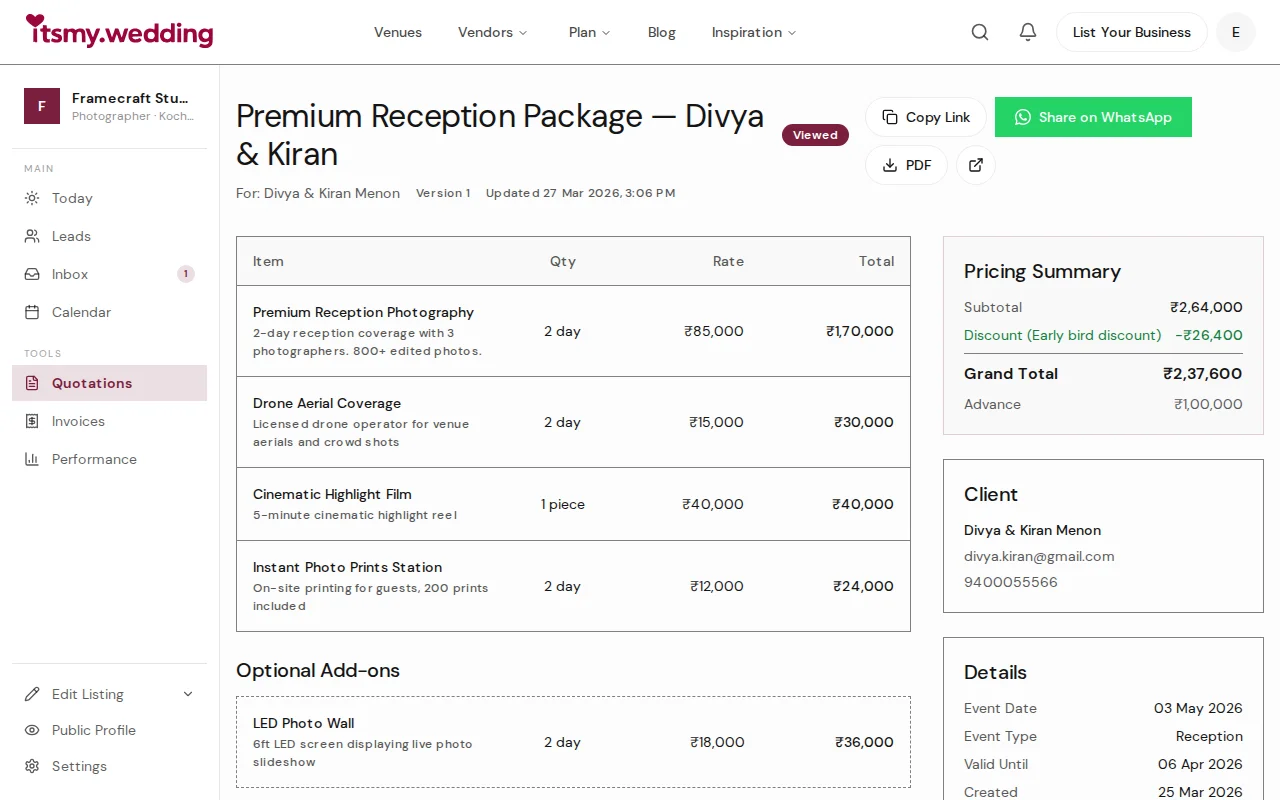
Track the status — was it sent, viewed, accepted, or does it need a revision?
You type prices into WhatsApp — unprofessional, buried in the chat, forgotten by tomorrow.
Itemised quotes with your logo, terms, and a proper layout. Share as a clean link, not a text message.
You forget what you quoted last time. Was it 80k or 90k? The couple remembers — you don't.
Reusable templates for packages you send often. Every version saved with a timestamp so you always know what was quoted and when.
You have no way to know if the couple even opened the quote. Did it go to spam?
See sent, viewed, accepted, or expired. Know where every quote stands at a glance — no more chasing.
Yes. When creating a quotation, just enter their name, email, and phone number. They receive a link to view the quotation without needing to log in. You can also share the link directly via WhatsApp.
Yes. Toggle 'Save as template' and give it a name. Next time, select your template from the dropdown and it pre-fills all line items, pricing, and terms. You just update the client details and amounts.
Three things happen automatically: a booking is created and linked to the quotation, a draft invoice is generated with all line items and totals copied over, and you receive a notification via email, in-app, and WhatsApp.
Yes. You can create a new version of the quotation. The system tracks all versions so both you and the client can see the revision history.
They receive an email with a summary and a 'View Quotation' button. You can also copy the share link and send it via WhatsApp. The link opens a professional quotation page that works on any device without needing to log in.
Yes. Every quotation has a 'Download PDF' button. The PDF is a professional A4 document with your business branding, itemized pricing, totals, terms, and a footer with the quotation reference.
Ready when you are
2-minute setup. Works on your phone.
Get startedIncluded on Pro and Elite. See pricing →